AWS Rightsizing with Compute Optimizer: 32-Day Lookback, Performance Risk, and the Order of Operations (2026)
Quick summary: Compute Optimizer added 32-day lookback for cyclic workloads in 2025 — critical for monthly batch jobs that looked oversized on 14-day windows. In a June 2026 audit of a $48k/mo account, rightsizing recommendations alone modeled $11k/mo savings at low performance risk.
Key Takeaways
- Compute Optimizer added 32-day lookback for cyclic workloads in 2025 — critical for monthly batch jobs that looked oversized on 14-day windows
- In a June 2026 audit of a $48k/mo account, rightsizing recommendations alone modeled $11k/mo savings at low performance risk
- Teams that rightsized only on 14-day windows routinely skipped those instances and left 15–25% compute waste on the table
- Quantified outcome Engagement shape: Multi-account fintech SaaS, ~$48k/mo AWS, 200+ EC2 instances, bursty end-of-month jobs
- Compute Optimizer (June 2026 export) flagged 47 instances at Low or Very low performance risk
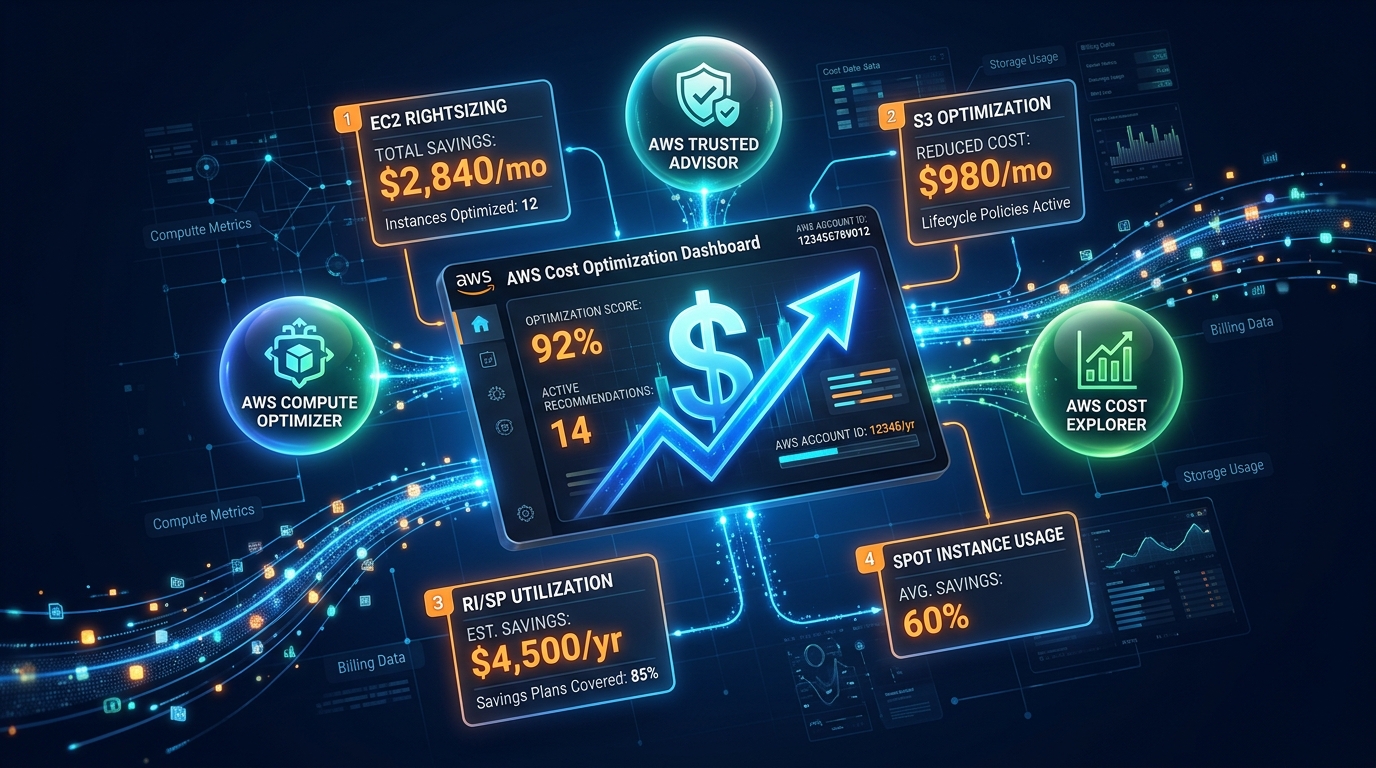
Table of Contents
On June 10, 2026, AWS Compute Optimizer surfaces rightsizing across EC2, EBS volumes, Lambda functions, and ECS services on Fargate and EC2 — with 32-day lookback for workloads that spike once per month (payroll batch, invoice generation, month-end ETL). Teams that rightsized only on 14-day windows routinely skipped those instances and left 15–25% compute waste on the table.
Quantified outcome
Engagement shape: Multi-account fintech SaaS, ~$48k/mo AWS, 200+ EC2 instances, bursty end-of-month jobs. Compute Optimizer (June 2026 export) flagged 47 instances at Low or Very low performance risk. Implemented 31 downsizes over three weeks: $11,200/mo modeled savings, p99 latency unchanged on payment API (validated in staging with load test replay).
Order of operations we use
- Enable Compute Optimizer organization-wide (delegated admin in Organizations).
- Filter recommendations: performance risk ≤ Low, projected savings > $150/mo.
- Exclude instances with custom drivers, license-bound sockets, or <30 days since last resize.
- Stage one AZ / one service at a time; snapshot or AMI before change.
- Measure 48h CloudWatch p95 CPU/memory vs pre-change baseline.
- Document in Cost Optimization Hub or internal runbook for audit trail.
Where rightsizing fails
- Memory-bound JVM heaps — CPU looks low while GC pressure is high; check
mem_used_percentnot just CPU. - Credit burstable
tinstances — CPU credits mask sustained need; checkCPUCreditBalance. - License-per-core software — downsizing vCPU may violate vendor licensing even when AWS metrics agree.
Tools
- AWS Cost Savings Calculator — sanity-check total savings band
- EC2 Pricing Calculator — before/after hourly cost
- Free cost audit — when recommendations exceed $10k/mo and you want validation before change windows
If you only do one thing this week
In Compute Optimizer, sort EC2 recommendations by estimated monthly savings and export the top 20 Low-risk rows to CSV. Schedule five changes in non-production this sprint — not zero, not fifty.
Artifact: AWS documents the export format in the Compute Optimizer user guide (retrieved June 2026).
AWS Cloud Architect & AI Expert
AWS-certified cloud architect and AI expert with deep expertise in cloud migrations, cost optimization, and generative AI on AWS.